Carbon X / After Sales Guide
Calibrate yourCarbon X Loupes
A refined step-by-step guide for IPD adjustment, convergence alignment, and proper after-sales care to achieve a sharp, comfortable single image.
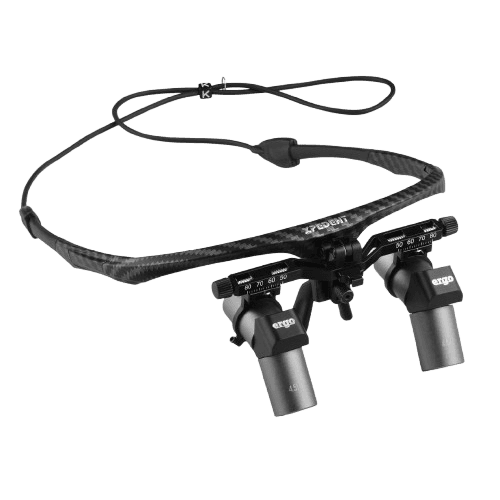
Guide Progress
Calibration Flow
Step
Set Up Your Target
Place a sheet of paper with small printed text at your normal working distance.
Sit or stand in your natural working posture as during treatment.
Ensure good lighting so the text is clearly visible.
Step
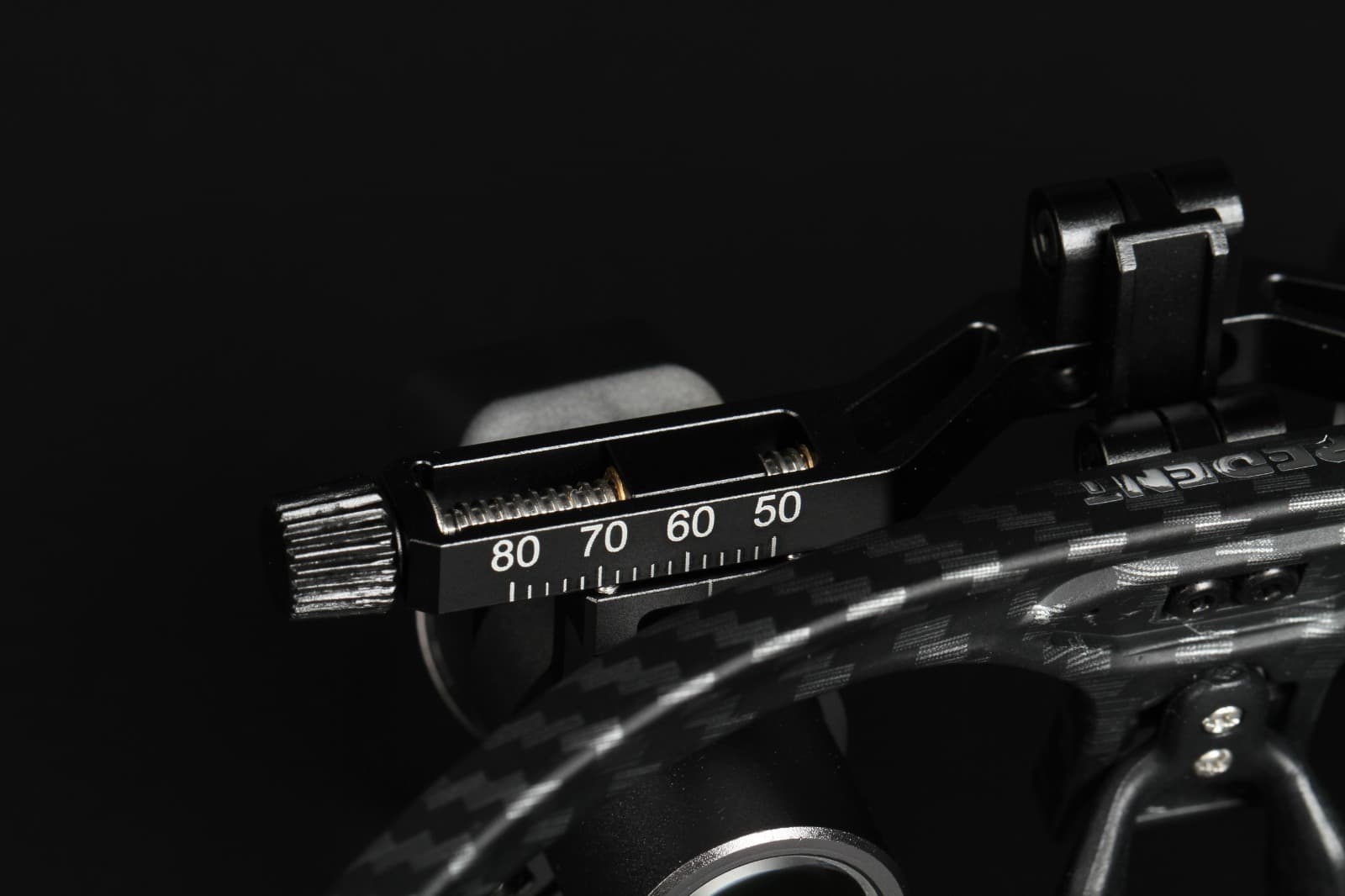
Adjust Your IPD
Put on your loupes and look at the text with both eyes open.
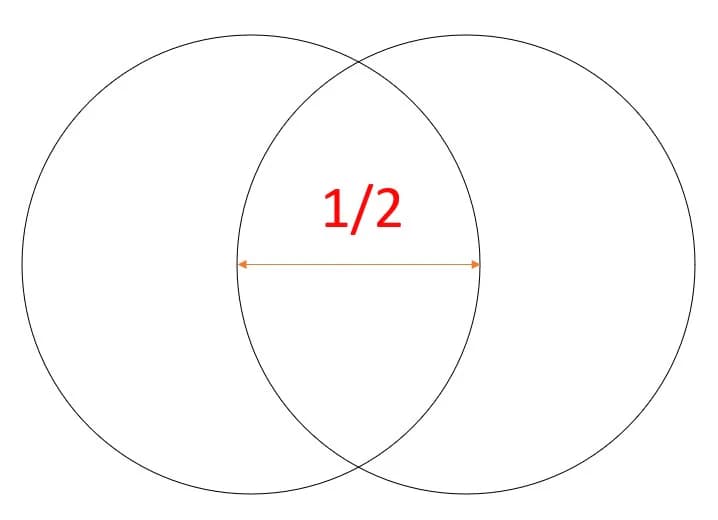
Slowly adjust the horizontal distance between the barrels until the two circular views merge into one single round image.
Make sure there is no shadowing or overlap at the edges.
Step
Prepare for Convergence Adjustment
Remove your loupes carefully.
Locate the set screw on one ocular, left or right.
Using a small allen key, loosen it slightly.
Step
Align the Images (Convergence)
Put the loupes back on.
Close your left eye and center a word or line of text in your right-eye view.
Open both eyes. You may notice double text.
Slowly rotate the loosened ocular until the two images merge into one clear line of text.
Step
Lock the Adjustment
Carefully remove the loupes without rotating the ocular.
Tighten the set screw to secure the position.
Step
Final Check
Put the loupes back on.
Confirm the image appears single, not doubled.
Confirm the view is clear and sharp.
Confirm it is centered comfortably in your vision.
Result
Your Carbon X loupes are now properly calibrated
Additional Care
How to Clean Your Loupe
A quick care reference video for Carbon X users, added at the end of the guide as requested.